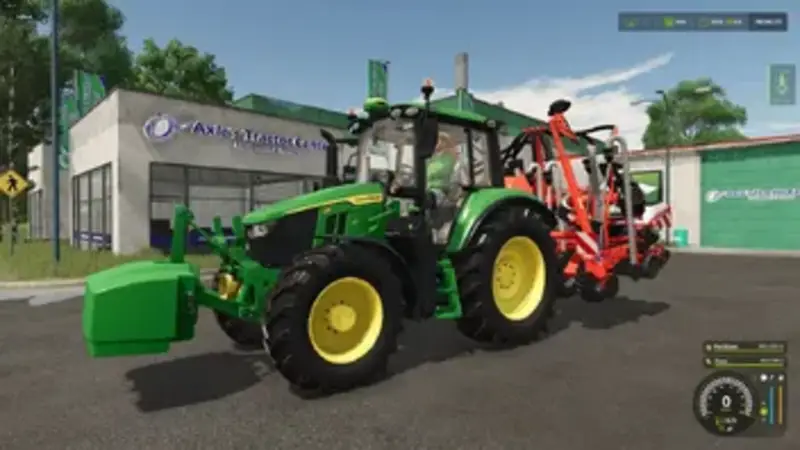
Adds a clear axle load HUD for tractors. The top-down display shows the current load on the front and rear axles in tonnes and percentage. Overloaded axles are colour-coded: Green means the load distribution is fine, Yellow indicates that a limit is approaching and Red warns of an overloaded axle or an exceeded permissible total weight.
- Takes attachments, front loaders, front weights, wheel weights and twin tyres into account based on the actual wheel contact force.
- Recommends the additional front ballast needed to restore at least 20 percent of the tractor's weight to the front axle, while taking the travel of the front hydraulic lift into account.
- Displays an in-game notification with the cause and a recommended solution whenever the weight distribution is incorrect.
- Uses the game's HUD scaling and maintains a fixed size.
While the load remains unbalanced, the tractor wears out faster, reaches a lower maximum speed and brakes less effectively. These effects fade in and out smoothly. They can be disabled with the console command alhPenalties.
Controls: Right Ctrl + . shows or hides the HUD. The key can be changed in the control settings.
The 20 percent rule applies to regular wheeled tractors. Tracked vehicles, articulated steerers and combine harvesters receive the HUD as information only. Wear and driving penalties are applied server-side, so they work in single-player and for the host in multiplayer.
Comments
You must be logged in to comment.
No comments yet.