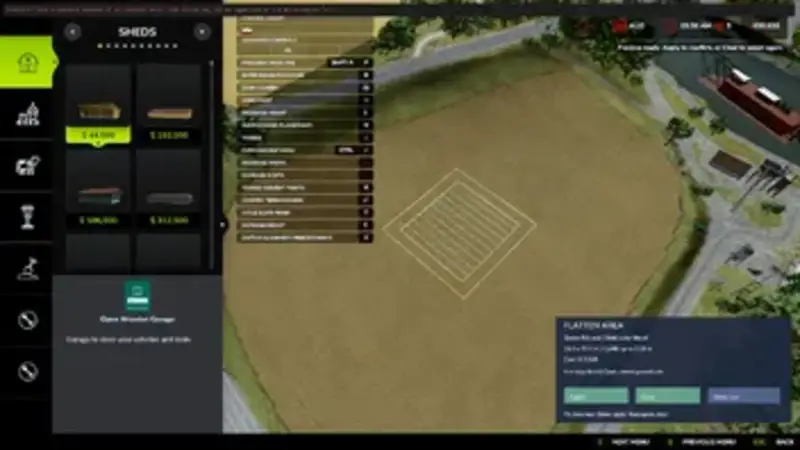
Auto Leveler: Flatten Area
The Auto Leveler is an easy-to-use tool for automatic terrain leveling. Open Construction mode, select two opposite corners and level the chosen area for your next farm project.
- Rectangular selection with a visual preview
- Automatic leveling to the lowest point within the selected area
- Lowering only: Higher terrain is cut away without filling the lowest point
- Maximum cut depth of 3 metres
- Selection sizes from 2 × 2 up to 1,000 × 1,000 metres
- Approximately 4-metre-wide blended transition into the surrounding terrain
- Preview of dimensions, maximum cut depth and estimated costs
- Land ownership and obstacle checks based on map collision data
- Undo option for the last operation, including a cost refund
- Preserves existing vegetation and paint layers
Controls: Press F3 to open or close the tool. Use the left mouse button to select two opposite corners. Press Enter to confirm the operation or Backspace to clear the selection.
Costs: 2.50 in-game currency per square metre, with a minimum charge of 50.
Important notes: Designed for PC single-player saves. You must own the selected terrain and the surrounding transition area. The selection follows the map axes and cannot be rotated. Buildings, trees, vehicles, water, roads and other obstacles must be removed. Decoration without collision may not be detected. Wait for processing to finish before saving, leaving the game or using other terrain tools.
Comments
You must be logged in to comment.
No comments yet.