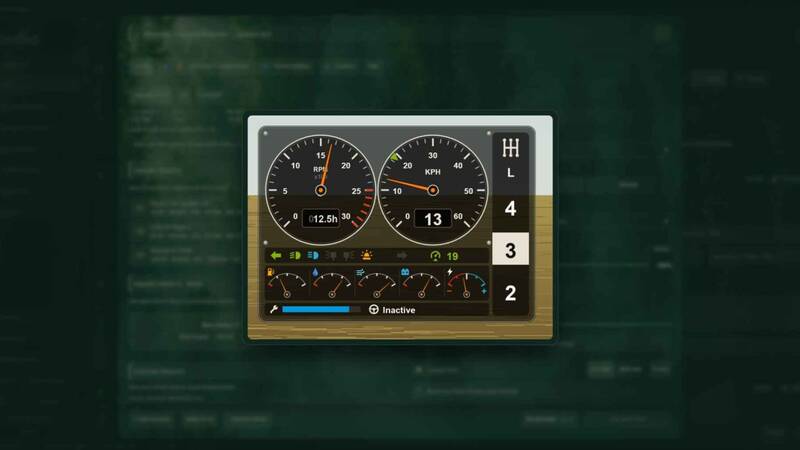
BUG ModManager
The BUG ModManager is a standalone program for managing your mods before starting the game. It is not an in-game mod and must be installed separately.
There are no functional changes compared with the previous releases. Those releases can continue to be used for free, while ongoing improvements will be provided for this version.
License and offline use: A separate license is required to use the program. You can purchase it at buggub.itch.io/bug-mod-manager. After purchasing the license, launch the program, sign in with your itch.io account, and confirm your license. Once activated, the ModManager can be used offline for 14 days. After this period, online verification is required before it can be used again.
Installation and setup: The installation is guided by a simple setup wizard. On first launch, make sure that the paths to the game executable, save folder, and mod folder are configured correctly. The following default paths are available for Steam, Epic, and Xbox:
- Steam: Save path
Documents\My Games\FarmingSimulator2025; mod pathDocuments\My Games\FarmingSimulator2025\mods; game pathC:\Program Files (x86)\Steam\steamapps\common\Farming Simulator 25. - Epic: Save path
Documents\My Games\FarmingSimulator2025; mod pathDocuments\My Games\FarmingSimulator2025\mods; game pathC:\Program Files\Epic Games\FarmingSimulator25. - Xbox: Save path
Documents\My Games\FarmingSimulator2025; mod pathC:\Users\[Username]\AppData\Local\Packages\GIANTSSoftware.FarmingSimulator25PC_[RandomID]\LocalCache\Local\mods; game pathC:\Users\[Username]\AppData\Local\Packages\GIANTSSoftware.FarmingSimulator25PC_[RandomID]\LocalCache\Local.
Note: The author was unable to test every possible configuration. If you encounter an issue, please provide the log file, error output, the affected mod, and a screenshot for troubleshooting.
Comments
You must be logged in to comment.
No comments yet.