1 / 3
Virus checked
v0 latest
Free Mod
Cinematic Camera
–
Rating
0 Ratings
3
Downloads
465
Views
0
Thanks
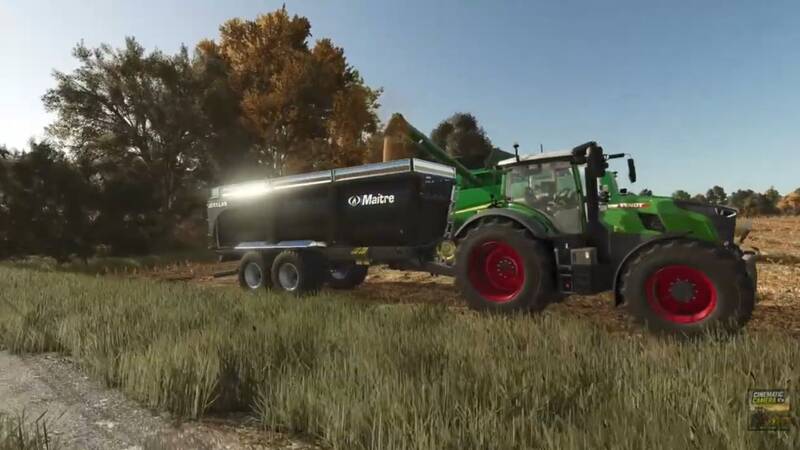
With the Cinematic Camera you can create stunning camera tracking shots in Farming Simulator. Place multiple waypoints in the world, set a fixed target, and let the camera follow a smooth path – perfect for impressive videos, presentations, and screenshots of your farms, vehicles, and landscapes.
Features:
Controls:
Quick start:
Available speeds: 1 m/s, 2 m/s, 5 m/s, and 10 m/s.
Notes: For best results, remain still during the shot and start the tracking from a fixed position. Tracking of moving vehicles, objects, or players will be added in future versions. Give your Farming Simulator videos a whole new dimension!
Features:
- Smooth tracking shots between multiple points
- Automatic curves between waypoints
- Walk mode compatible
- Automatic return to the player's camera after the shot ends
- Adjustable tracking speed
- Ideal for cutscenes, presentations, and screenshots
Controls:
- F5 – Add point
- Ctrl + F5 – Delete last point
- Ctrl + Alt + F5 – Delete all points
- F7 – Start / Stop tracking
- F8 – Set target
- F6 – Decrease speed
- F9 – Increase speed
Quick start:
- Place waypoints with F5
- Set the target with F8
- Adjust the speed with F6 and F9
- Start the tracking shot with F7
- Stop the tracking shot with F7
Available speeds: 1 m/s, 2 m/s, 5 m/s, and 10 m/s.
Notes: For best results, remain still during the shot and start the tracking from a fixed position. Tracking of moving vehicles, objects, or players will be added in future versions. Give your Farming Simulator videos a whole new dimension!
Comments
You must be logged in to comment.
No comments yet.