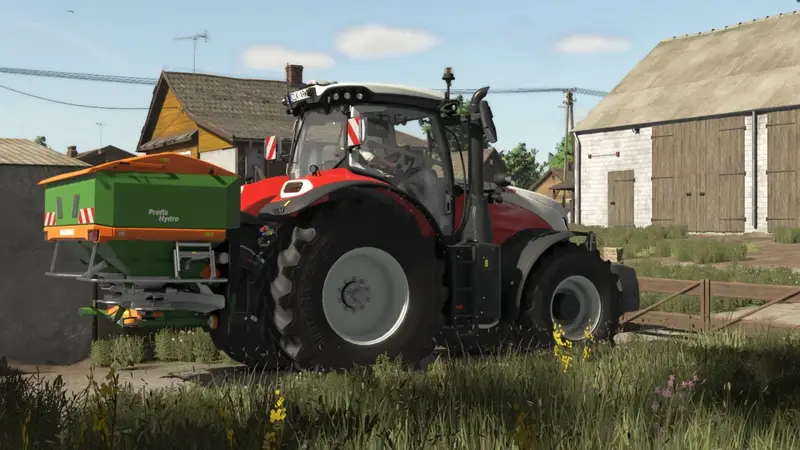
Color Grading by AgroCarpathia
Enhance your Farming Simulator experience with the AgroCarpathia color grading setup, meticulously refined for optimal visual performance.
Installation is straightforward: simply move the contents of the folder to the following directory:
\Steam\steamapps\common\Farming Simulator 25\data\maps\mapUS\config and replace the existing files. (Backing up the original files is recommended).
To apply these settings to non-US maps, install the Additional Settings mod from ModHub. After launching the game, navigate to the new settings category, set Custom Lighting to Riverbend Springs, and enjoy the enhanced colors!
Note: The in-game brightness in the screenshots is set to 0.7, but this can be adjusted to suit your monitor's display. Enjoy the vibrant new look!
Comments
You must be logged in to comment.
No comments yet.