1 / 4
Virus checked
v1.1.0.0 latest
Free Mod
Farm Logo & Color
–
Rating
0 Ratings
0
Downloads
48
Views
0
Thanks
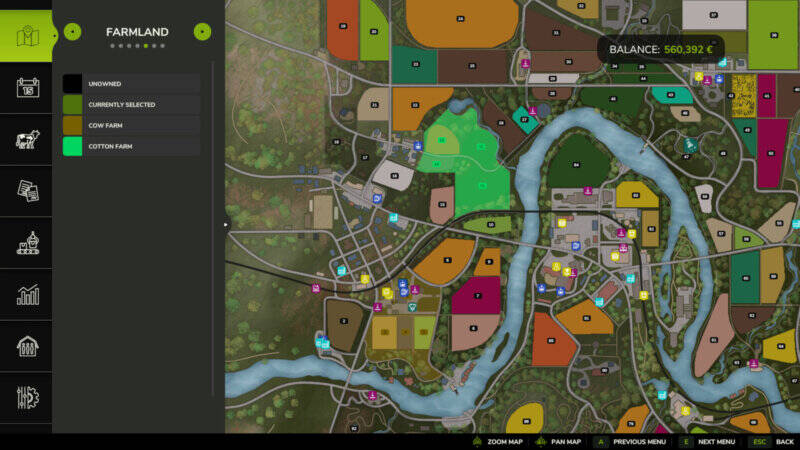
Gives every farm a unique visual identity. Choose from 34 built-in logos and set a custom color for the logo, map entry, and farm markers.
Your choices appear in the multiplayer menu, farm list, on the map, and on in-game farm markers. This makes farms instantly recognizable in multiplayer and lets you personalize your own farm in singleplayer.
Features
- Select from 34 built-in logos in an easy-to-use grid.
- Choose a custom farm color for the logo, map, and markers.
- Colored logos retain their original colors, while white logos use the selected farm color.
- Import custom logos or delete them for all players as an administrator.
- Imported logos and color settings are saved in the savegame and automatically synchronized with all players.
- Supports singleplayer, multiplayer, and dedicated servers.
- Only the administrator and members of a farm can change its logo and color.
Custom logos
- Download the logo converter from the converter folder on the linked GitHub page. The standalone HTML tool runs offline in your browser and is available in German, English, and French.
- Convert a PNG, JPG, WEBP, SVG, or DDS image into an XML file.
- Place the file in Documents/My Games/FarmingSimulator2025/modSettings/FS25_farmIconColor/customLogos/.
- Open the logo window in the game and select Import.
Controls
- Press L or click the logo in the farm creation and editing window to open the logo grid.
- Confirm with Enter and go back with Esc in the logo window.
- As an administrator, import with Insert or delete with Delete.
- In singleplayer, press F9 to open the logo and farm color settings.
Feedback, suggestions, bug reports, and the logo converter are available on the linked GitHub page.
Comments
You must be logged in to comment.
No comments yet.