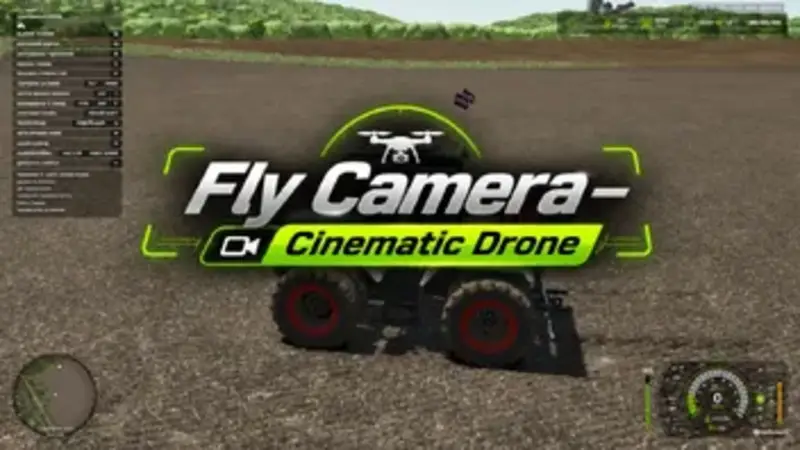
Flying Camera — Cinematic Drone
The Flying Camera adds an advanced cinematic drone to the game. It automatically selects dramatic perspectives, follows vehicles and the player, and creates an ideal setup for videos and screenshots.
The drone features 18 varying camera perspectives, three distance groups, and an intelligent flight mode with obstacle avoidance and terrain awareness. It can also be controlled manually using WASD, Q, and E. Vehicles can be selected with the mouse pointer and tracked automatically.
- Automatic cinematic recordings of vehicles and the player
- Free manual flight control with adjustable speed
- Automatic perspective changes or continuous use of a selected perspective
- Close, medium, and long recording distances
- Intelligent obstacle avoidance and terrain adaptation
- Quick switching between active helpers
- Informative HUD showing mode, status, distance, and viewing angle
- Hideable user interface for uninterrupted footage
- Integration into the standard vehicle camera cycle
- Multiplayer support
Controls:
Ctrl + Alt + F: Toggle observation mode
Alt + T: Activate vehicle selection; left mouse button: Select vehicle
Page Up / Page Down: Switch active helper
Alt + Home: Return to the player
M: Switch between automatic and manual flight mode
B: Toggle automatic perspective changes or perspective hold
N / Shift + N: Change perspective
V: Change distance group
H: Show or hide the HUD
WASD: Fly; Q / E: Descend or ascend; Shift: Accelerate
Mouse: Control viewing direction; mouse wheel: Adjust flight speed
The additional cinematic vehicle camera can be enabled in the general game settings. Multiplayer support has not yet been tested over an extended period.
Comments
You must be logged in to comment.
No comments yet.