1 / 4
–
Rating
0 Ratings
362
Downloads
7.2K
Views
0
Thanks
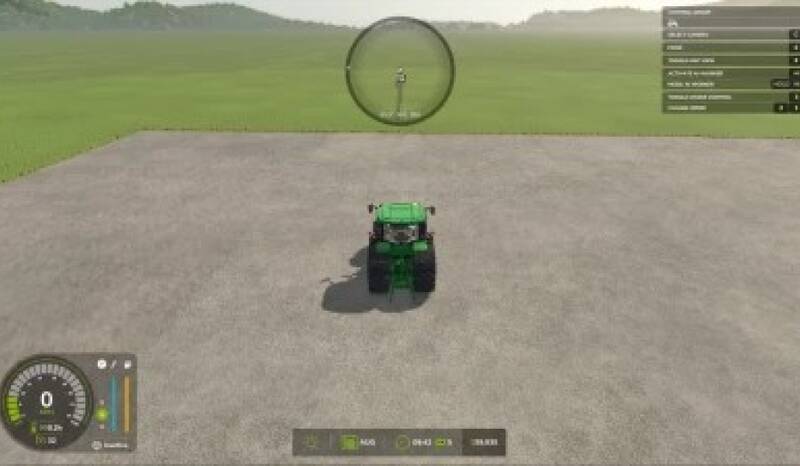
The HUD Mover mod allows you to reposition base-game HUD elements anywhere on your screen. It's ideal for ultrawide and triple-screen setups where elements like the speedometer, info panel, clock, and minimap are often placed at the edges of the screen, out of the player's immediate view.
How it works:
- Press ' (apostrophe) to enter edit mode, usable both on foot and in vehicles. This suppresses mouselook, displays the cursor, and highlights movable HUD elements with a translucent box and label.
- Left-click and drag any HUD element to your preferred location.
- Use Ctrl + arrow keys for precise adjustments of the last clicked HUD element.
- Press Backspace to reset all HUD elements to their default positions.
- Press ' again to exit edit mode.
Positions are saved to modSettings/FS25_HudMover/positions.xml and will be restored upon the next game launch.
Movable elements include:
- Speedometer, info display (gear/fuel/transmission), game info panel (clock/calendar/money), input help, minimap, fill levels, side notifications, speaker display, chat, vehicle name, and context actions. The minimap and fill-levels display move as a unit to prevent scattering.
Requirements:
- No mod dependencies.
- PC only.
Why this mod exists:
In the base game, HUD elements are fixed to the screen corners, which works well on a single monitor but can be problematic on multi-screen setups. This mod allows you to reposition elements to improve visibility.
Comments
You must be logged in to comment.
No comments yet.