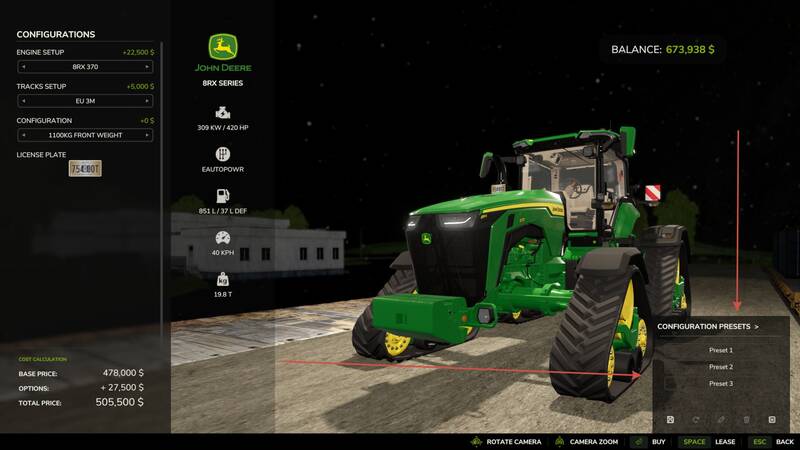
Equipment Configuration Presets
This tool allows you to save vehicle and equipment configurations in the shop and reapply them with a single click. Set the wheels, engine, paint, materials, and numerous other options once, then reuse the setup whenever you purchase the same model.
- Save multiple named presets for each equipment model
- Store selected colors, including custom shades and materials
- Quickly apply presets from a convenient scrollable list
- Update or delete saved presets
- Generate random configurations and save your favorite results
- Automatically refresh the price and preview after applying a preset
How to use: Configure the equipment in the shop, open the presets panel, and click “Save new preset”. Enter a name for the configuration. The next time you purchase the same model, simply select the saved variant from the list.
Presets remain saved between game sessions and are available on all maps within the same profile. The tool supports new equipment available in the shop as well as modded equipment that uses the standard configuration system. License plates are not included in presets. If a third-party mod changes its configuration options, its associated presets may need to be updated.
Comments
You must be logged in to comment.
No comments yet.