1 / 4
Virus checked
v1.1.0.0 latest
Free Mod
Realistic Simple ReShade
–
Rating
0 Ratings
469
Downloads
9.5K
Views
0
Thanks
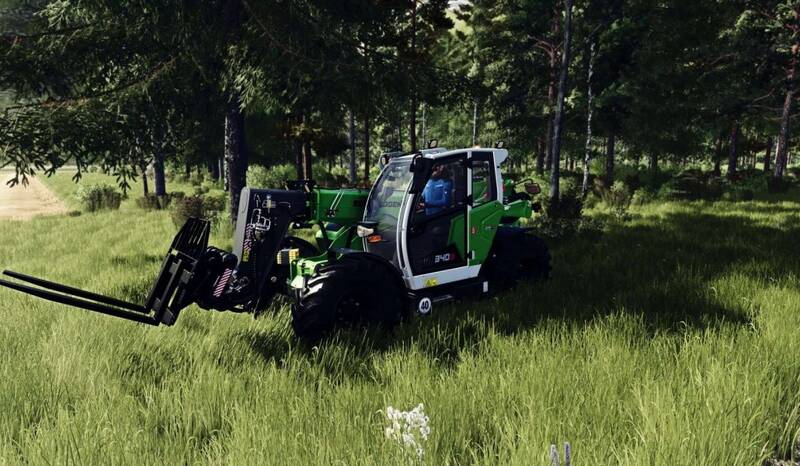
Enhance your Farming Simulator 25 experience with the preset. This performance-friendly preset improves the game's visuals without altering its original atmosphere.
- Sharper, cleaner images with natural detail
- Balanced brightness for realistic lighting
- Photo-like colors and contrast
- Subtle ambient shadows and cinematic blur
- Improved black & white levels and color grading with LUT
Installation Instructions:
- Install ReShade 6.0+ and select the game executable:
.../Farming Simulator 25/x64/FarmingSimulator2025.exe - Choose DirectX 12 and install the following shader packs: Standard Effects, qUINT, PD80/prod80, HDR & Tonemap, Clarity
- Place
RealisticSimple.iniinto the.../Farming Simulator 25/x64folder - Launch the game, press Home, select the preset and enable "performance mode"
Important: Disable in-game HDR and custom lighting for best results.
Comments
You must be logged in to comment.
No comments yet.