Seven HUD Styles: Classic, Modern, Arcade & 80s
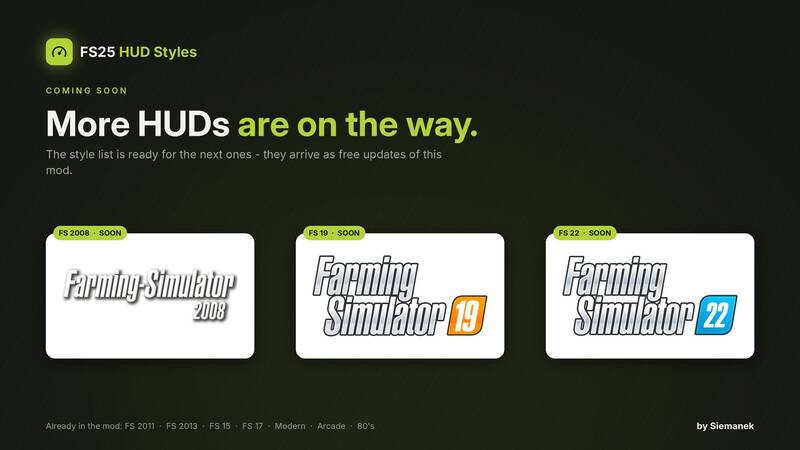
Refresh the game's interface with seven selectable HUD styles. Four classic layouts from earlier Farming Simulator generations are combined with the clean Modern design, the racing-inspired Arcade style and the glowing 80s look. The mod works standalone and integrates with Zasty HUD without modifying any of its files.
- Classic: four faithful redrawings of the HUD designs from FS 2011, FS 2013, FS 15 and FS 17 – ranging from glossy bars and olive displays to a circular speed ring and a flat dark vehicle panel.
- Modern: analog, digital or retro tachometers, clear fuel, AdBlue and fill-level bars, plus five different tablet looks.
- Arcade: twin round gauges, large gear and speed displays, nighttime colors and a compact racing-game-style minimap.
- 80s: glowing seven-segment displays, colored vehicle-data bars and a CRT-style minimap.
Every style includes the full set of HUD cards for the map, weather, prices, statistics, vehicles, contracts, farm information and help. The vehicle schema, cruise control, fill levels, bale counter, clock, weather, balance and contract progress are also included. The map displays coordinates, field numbers, buildings, players and views such as crop types, growth, soil and farmland.
All elements can be moved, resized and aligned to a grid with the mouse. Colors, brightness and opacity can be configured separately for each style. Speed, volume and currency follow the game settings. English, German, Polish, French, Spanish, Italian, Portuguese, Czech, Russian, Dutch, Hungarian and Turkish are supported.
Controls: Press Left Alt + H to open the settings. Use key 9 to switch between tablet and PDA cards, while the [ and ] keys change the map view.
Installation: Place FS25_HudStyles.zip in your mods folder. When using Zasty HUD, place it next to FS25_ZastyHUD.zip. Delete the old FS25_ZastyHUD_FS2011.zip, as keeping both files in the folder disables the new mod. Activate the mod in the game afterwards.
Requirements: None. Zasty HUD is optional. The mod is client-side and works in single-player and multiplayer. Other mods that alter the HUD may overlap visually.
Comments
You must be logged in to comment.
No comments yet.