1 / 4
Virus checked
v2.1.0.0 latest
Free Mod
Texture Pipette
–
Rating
0 Ratings
18
Downloads
500
Views
0
Thanks
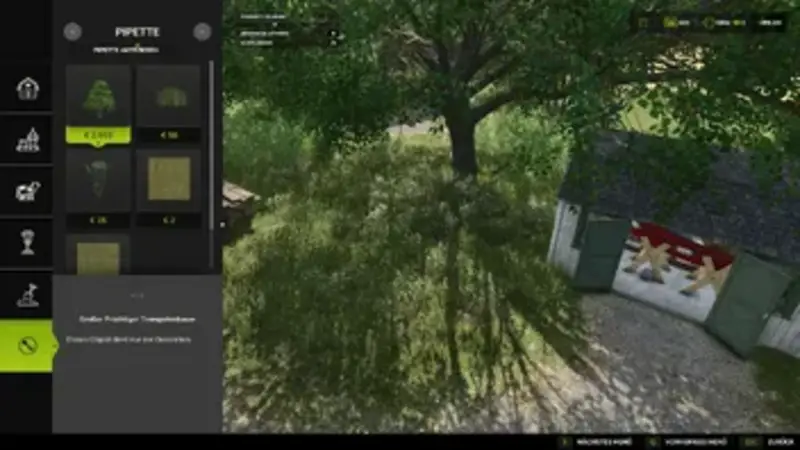
The Texture Pipette mod extends the build menu with a handy pipette function for ground textures, foliage, placeable trees, and supported placeable objects. Pick up paint textures, visible foliage such as grasses, flowers, and bushes, placeable trees, and supported objects directly on the map and find them easily in the build menu. For mixed areas, multiple matching hits can be displayed.
How to use:
- Open the "Pipette" tab in the build menu.
- Click the "Activate Pipette" button.
- Click on a ground texture, foliage, tree, or supported object.
- Confirm the desired hit in the build menu.
- Paint or build as usual.
Comments
You must be logged in to comment.
No comments yet.