1 / 3
Virus checked
v1.0.0.0 latest
Free Mod
Thunder Warm Shader
–
Rating
0 Ratings
2
Downloads
441
Views
0
Thanks
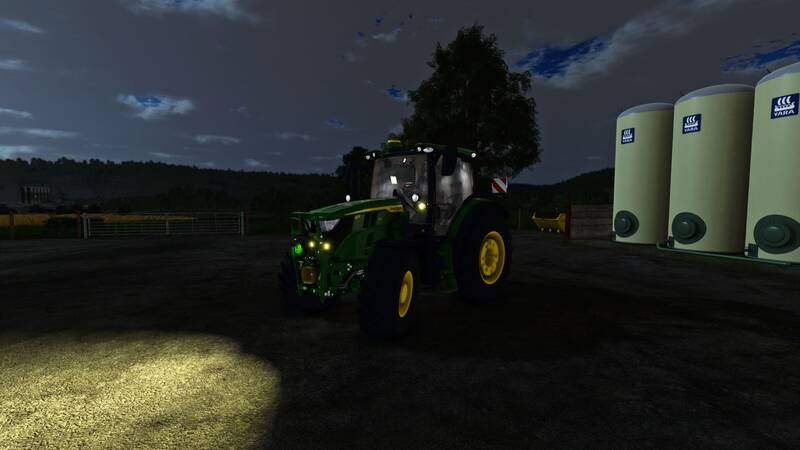
A simple warm-tone realistic shader that gives the game a more natural, cinematic look. Nothing fancy – just a personal favorite setup that enhances the visual atmosphere of Farming Simulator.
How to install:
1. Install the latest version of ReShade.
2. Download and unzip the "ThunderWarmShader.zip" file.
3. Move the .ini file into your "/Farming Simulator 25/x64" folder.
4. Launch the game and press "Home".
5. Select the "ThunderWarmShader.ini" preset.
6. You should be all set!
Feedback:
Feel free to leave constructive feedback for future versions. If you encounter any issues, please reach out.
How to install:
1. Install the latest version of ReShade.
2. Download and unzip the "ThunderWarmShader.zip" file.
3. Move the .ini file into your "/Farming Simulator 25/x64" folder.
4. Launch the game and press "Home".
5. Select the "ThunderWarmShader.ini" preset.
6. You should be all set!
Feedback:
Feel free to leave constructive feedback for future versions. If you encounter any issues, please reach out.
Comments
You must be logged in to comment.
No comments yet.