Universal Map Editor
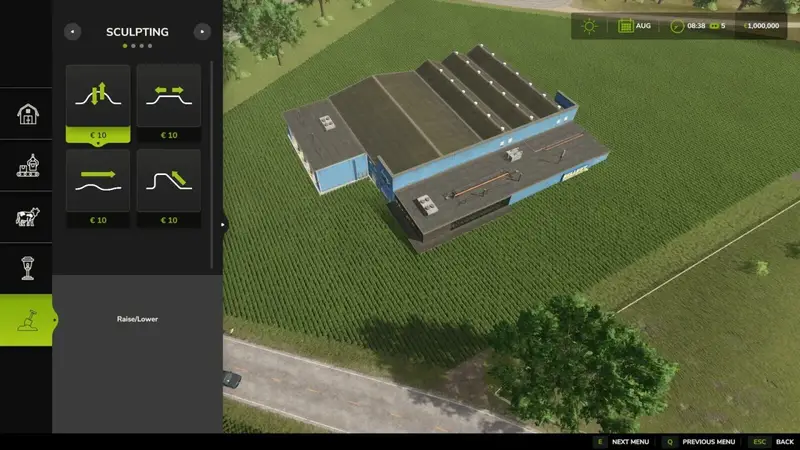
The universal map editor allows you to move many static map objects directly in build mode. Supported items include decorations, trees, sheds, and compatible placeable objects such as production sites, greenhouses, silos, and selling points.
Controls: Aim at an object and press ALT+M. Select MOVE, set the new position, and confirm with a click. Press R to rotate the object and Shift+R to rotate it in the opposite direction. Page Up and Page Down adjust its height. Right-click cancels the action, while Ctrl+Z undoes the last change. If the desired position is already occupied, you can select PLACE ANYWAY.
Terrain, fields, water, map boundaries, players, vehicles, and systems that alter terrain or navigation are protected. The same applies to dealer areas, livestock dealers, animal pastures, vehicle and pallet spawn areas, and unloading points. Railways, bridges, and game-controlled movable objects cannot be moved. Force-placing does not bypass these safeguards.
New positions are saved with the game save. In multiplayer mode, only server administrators are allowed to move objects.
Comments
You must be logged in to comment.
No comments yet.