1 / 3
Virus checked
v1.0.0.0 latest
Free Mod
Precision Brush – Finer Brush Sizes for Paint, Sculpt and Foliage
–
Rating
0 Ratings
2
Downloads
59
Views
0
Thanks
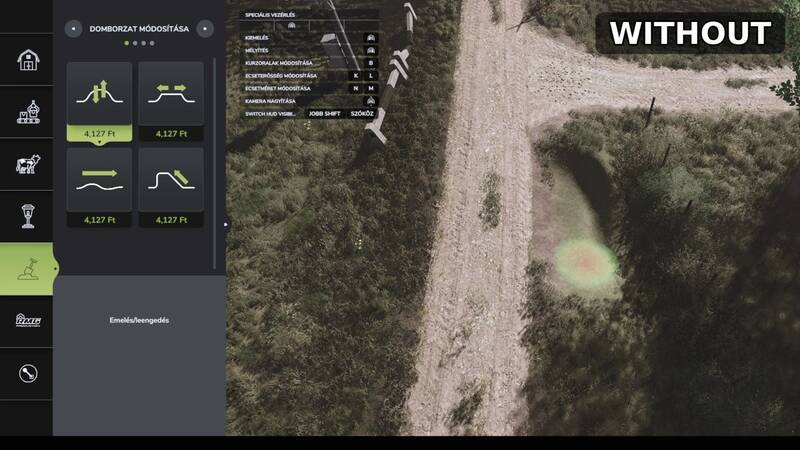
Precision Brush adds two smaller brush-size steps to each landscaping tool in the construction menu, allowing more precise work on ground textures, terrain shapes and foliage.
- Paint (ground surfaces): New sizes 0.125 and 0.25
- Sculpt (terrain shaping): New sizes 0.5 and 1
- Foliage (plants): New sizes 0.125 and 0.25
The additional sizes work with the standard brush controls and do not affect other game systems.
How to use: Open the construction menu, select Paint, Sculpt or Foliage, and continue reducing the brush size past the previous lowest setting to access the new steps.
Installation: Copy the FS25_PrecisionBrush.zip file without extracting it into your mods folder, then enable the mod for your game.
Credits: Created by Rónai Márk
Comments
You must be logged in to comment.
No comments yet.